
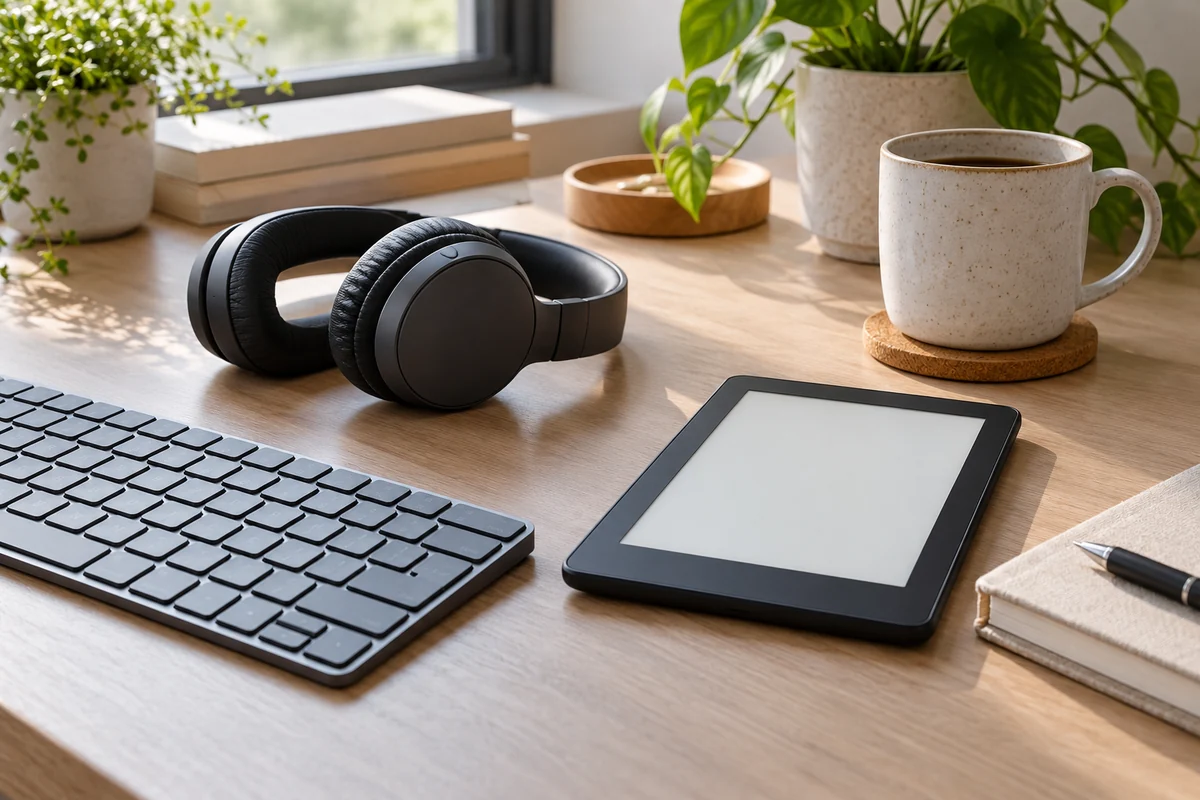
Sony’s WH-CH720N is a wireless over-ear headphone model with noise-canceling features. This assessment draws on Sony’s US product and support documents; it is not based on listening sessions, lab tests or ownership. The most useful question is not whether a feature exists, but whether it fits your calls, travel, listening devices and expectations for comfort.
Noise control in context
Sony describes active noise cancellation and ambient sound features for this model. Noise cancellation uses electronics to reduce some outside sound; it does not make a space silent or guarantee that every voice, alarm or sudden sound will disappear. The experience depends on the sound environment, the fit of the earcups and the settings. If awareness of traffic, announcements or colleagues is important, choose settings and volume that allow you to remain aware of your surroundings.
Fit matters for more than noise control. Glasses, hairstyle, head shape and long wearing sessions can affect how earcups feel and seal. Product specifications cannot establish your comfort. If you have a chance to try the headphones, check the headband adjustment and how the cups sit during the activities you actually do, including a call and a longer listening period.
Connections and switching
Sony lists Bluetooth multipoint, allowing connection to two devices. That can be useful for a laptop and phone, but switching behavior depends on the devices and their activity. Sony’s support material notes that a first device may continue silent streaming, affecting the transition. Check the manual and your devices’ settings if automatic switching does not behave as expected.
A supplied audio cable offers another connection option; check the current US package contents and the manual for operating differences when wired or powered off. A physical connector on a phone or laptop is not guaranteed, and an adapter may be needed. For a work computer, confirm whether the Bluetooth profile and organizational policy support the calls and applications you use.
Controls, app and power
Look at the manual’s button layout before assuming that a favorite action is available directly on the earcup. Sony’s companion software can expose settings, but app support, permissions and features can change. If you prefer not to install an app, determine which functions remain accessible without it and whether firmware updates are important to you.
Sony publishes battery figures under specific conditions. Actual runtime depends on volume, settings, temperature, device age and use. Rather than treating a laboratory figure as a promise, consider your longest expected journey, charging opportunities and whether a wired connection would provide an acceptable backup. We have not independently measured battery life or charging speed.
Match the purchase to the task
- Calls: Confirm microphone and Bluetooth support on your meeting device.
- Commute: Consider how much outside sound you need to hear and how you will carry the headset.
- Two screens: Check multipoint support and switching instructions for both devices.
- Long sessions: Try the headband and earcups with glasses or accessories you normally wear.
- Wired backup: Verify the port, cable and any adapter required.
- Personal settings: Check current app and operating-system compatibility.
What the documents cannot tell you
The WH-CH720N’s documented feature set makes it a candidate for someone who wants wireless listening, noise control and a two-device connection in one headset. The trade-offs are harder to settle from a specification page: voice quality in your room, how much outside sound remains, your preferred sound and comfort over time. A store demonstration or a clear return policy can help with those questions, but even a brief tryout will not establish long-term durability.
Confirm the exact model and regional warranty with the seller. Avoid treating manufacturer feature descriptions as independent performance comparisons, and review Sony’s support page for current software and troubleshooting information before making a decision.
Care and shared spaces
Sony states that this headset is not waterproof and warns that charging it while wet from rain or sweat can cause damage or burning. Keep it dry and follow the manual before charging. Before packing the headphones, check the manufacturer’s instructions for cleaning, charging and storage. A protective pouch may make sense for a crowded bag, but confirm what is included in the particular offer. If you share a workspace, consider how easily you can pause playback and hear a person speaking to you. For calls with sensitive information, use the privacy settings of the meeting application and check the selected audio output before a conversation begins. None of these choices substitutes for checking whether the fit and sound suit your own needs.
Sources: Sony US WH-CH720N product · Sony WH-CH720N specifications · Sony WH-CH720N manuals